 By skyforbes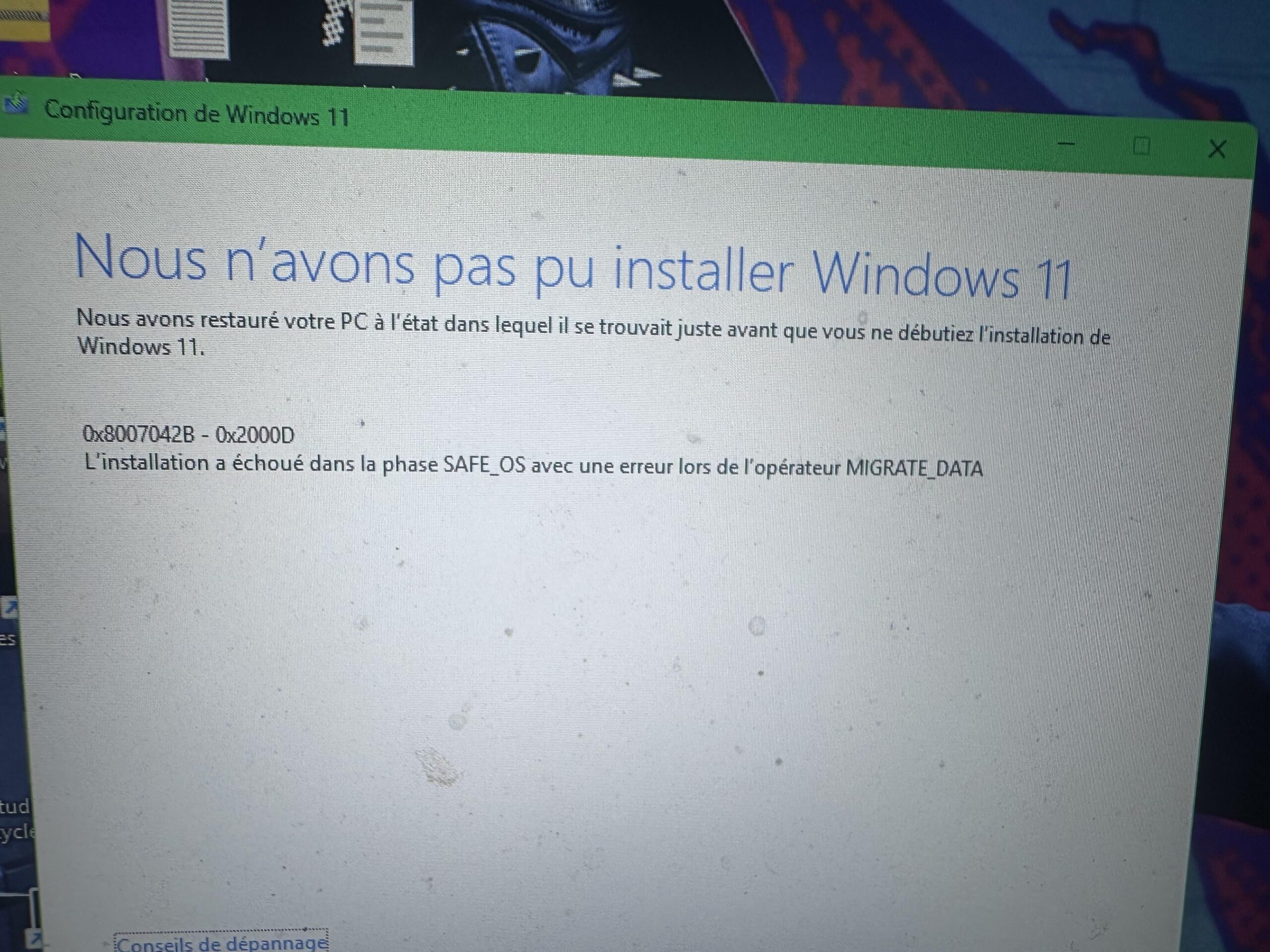

Pov: I used ChatGPT to help me summarize my issue and what I’ve already tried
No Internet on Windows 11 after battery shutdown — tried almost everything
Hi,
Yesterday my laptop shut down because it ran out of battery. When I turned it back on, I suddenly had no Internet at all:
• Wi-Fi sees networks but says “No Internet”

• Ethernet → same

• USB tethering from my phone → same

• All other devices on the same Wi-Fi work perfectly
⸻
✔️ Symptoms
• ping 8.8.8.8 works → Internet is reachable

• ping google.com → host not found

• nslookup shows unknown or strange DNS (numericable)

• DHCP service won’t start: System error 5 — Access denied or Net Helpmsg 2182

• Can’t disable IPv6 in adapter settings

• Windows Update doesn’t work

• Windows 11 in-place upgrade fails with: 0x8007042B – 0x2000D (SAFE\\\_OS / MIGRATE\\\_DATA)
⸻
✔️ Device Manager
• My Wi-Fi card (MediaTek MT7921) disappeared

• Instead I see Network Controller with a yellow warning

• Installed the official MT7921 driver → installs fine but Internet still doesn’t work
⸻
✔️ What I’ve already tried
• Uninstalled/reinstalled Wi-Fi driver

• Full network reset (all netsh commands)

• Flush DNS / release / renew

• Disable/enable adapters

• New Windows user profile

• Switched DNS

• USB phone tethering → still no Internet

• Ethernet on a different network → still no Internet

• sfc /scannow and DISM → both OK

• Attempted Windows 11 reinstall via setup.exe → fails (SAFE\\\_OS error above)
⸻
❗ What seems to be the root cause
DHCP, network services, and Wi-Fi drivers all failing at once suggests Windows system corruption, likely caused by the sudden power loss.
My remaining options seem to be:
1.  In-place repair upgrade (fails with SAFE\\\_OS)

2.  Windows 11 reset while keeping files

3.  Full clean install
⸻
❓ My question
Before I wipe everything:
👉 Does anyone know how to fix Windows corruption that breaks DHCP, network services, and drivers?
👉 What exactly does the SAFE\_OS / MIGRATE\_DATA error mean?
Thanks 🙏