 By skyforbes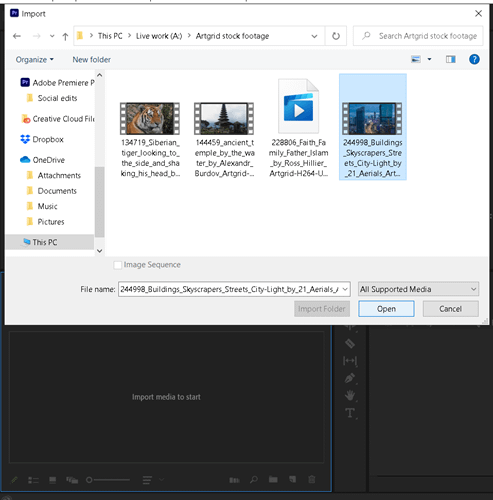

I'm sending this to you (Microsoft) instead of Adobe because this is a Windows problem, not a Premiere problem.
Here's why this needs to be fixed at the OS level:
The File > Import dialog is a Windows standard. Every app uses the same outdated file explorer you provide. If you fix it at the Windows level, every editing app benefits automatically.
You already set standards for how apps handle file operations. Set a new standard for smart file importing.
Make default directories intelligent:
- If a project file exists, open to that directory
- If no project file, open to the last active folder (like Downloads if that's where I just saved something)
- Stop opening to random locations every time
Add drag-and-drop intelligence: When I drag video files from Downloads into Premiere/DaVinci/Final Cut, Windows should detect this and ask: "Move these files to your project folder?"
Three apps dominate video editing. Your developers can add detection for them.
Make File Import contextual: Replace the full-window file explorer with a floating panel that appears near my cursor (like Photoshop's contextual toolbar).
Press Ctrl+Shift+I (or any custom hotkey), get an instant floating file browser right where I'm working. One click to import. No window juggling.
This same approach would improve Copilot too. Floating contextual windows near the cursor instead of sidebar panels.
Other needs:
- Hover scrub previews in File Explorer (show video frames on hover without opening files)
Adobe can't fix this because they're building on top of your file system. You control how File > Import works across Windows. Make it smarter for creative professionals who waste hours on file management.