 By skyforbes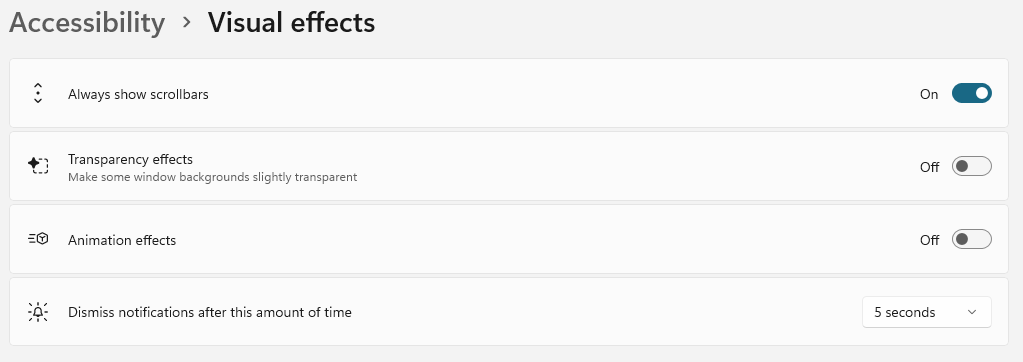

Something I noticed after upgrading to Windows 11 is the animations are longer than they were on Windows 10. Not only do some animations wait to complete before doing another one right after, but they're not always interruptible, meaning sometimes you have to wait for several sets of animations to complete before you can do anything.
When you turn the animations off, everything becomes so instant and fast, and now I don't think I can ever go back. I've also noticed a few touchpads no longer having too much momentum and native progress bars instantly show the current progress instead of easing to it.
On older computers, this can make a huge difference but I'd also recommend disabling Transparency effects for even better performance. I just disabled it anyway because I prefer the flat look.
The settings you may want to change are located in Settings > Accessibility > Visual effects