 By skyforbes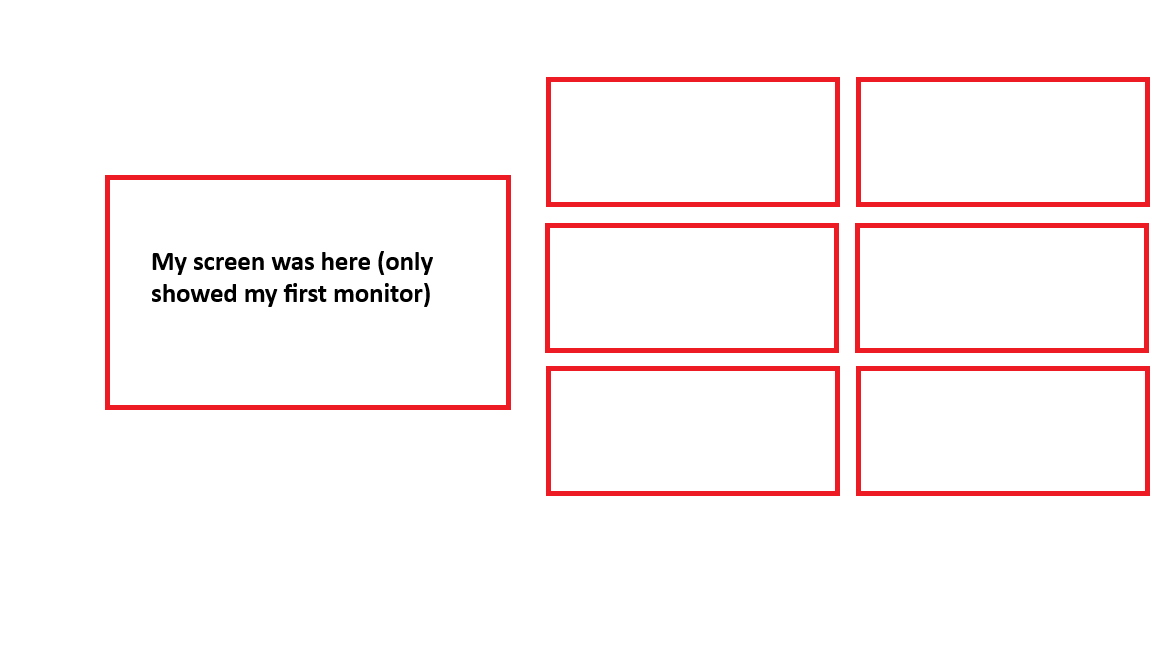

While typing in Discord, I accidentally triggered some kind of overlay/menu that I've never seen before. It disappeared too fast to screenshot, but here's what I remember:
– A preview of my screen on the left (only showed my first monitor)
– 6 red-bordered rectangular buttons on the right in a 2×3 grid
– The buttons had text that looked like keyboard shortcuts (similar to Discord's markdown style with `text`)
– Background was dimmed like a normal overlay
I have no idea what hotkey I pressed to trigger it. I was typing "How are you meant to tell what that says?" when it popped up.
I've already ruled out:
– Windows Snap Layouts (Win + Z)
– Task View (Win + Tab)
– PowerToys FancyZones
– Discord overlay
– Snipping Tool
I have PowerToys and NVIDIA GeForce Experience installed if that helps.
Has anyone seen this before? Attached is a rough diagram of what it looked like.