 By skyforbes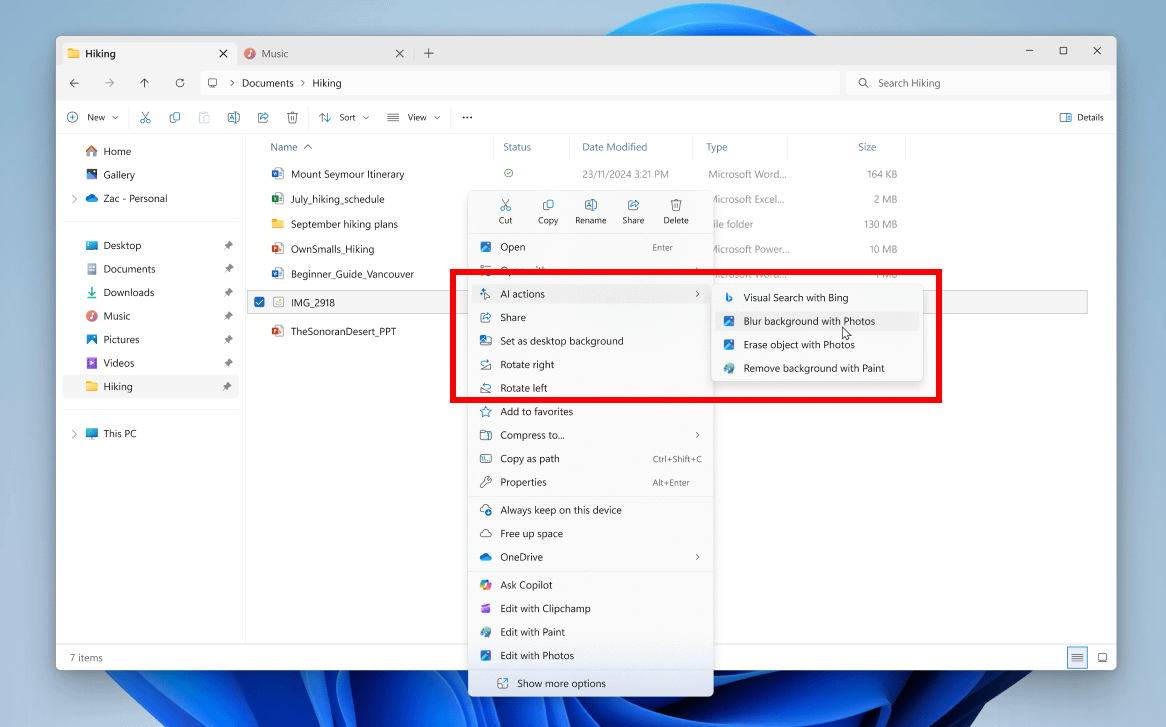

I was checking new insider preview build 26220.7344 announcement page and noticed following fix:
[File Explorer]
If there are no available or enabled AI Actions, this section will no longer show in the context menu.
So if we uncheck all options under settings > apps > actions page, AI actions section will vanish from the context menu. 🙂
Thank you Microsoft.