 By skyforbes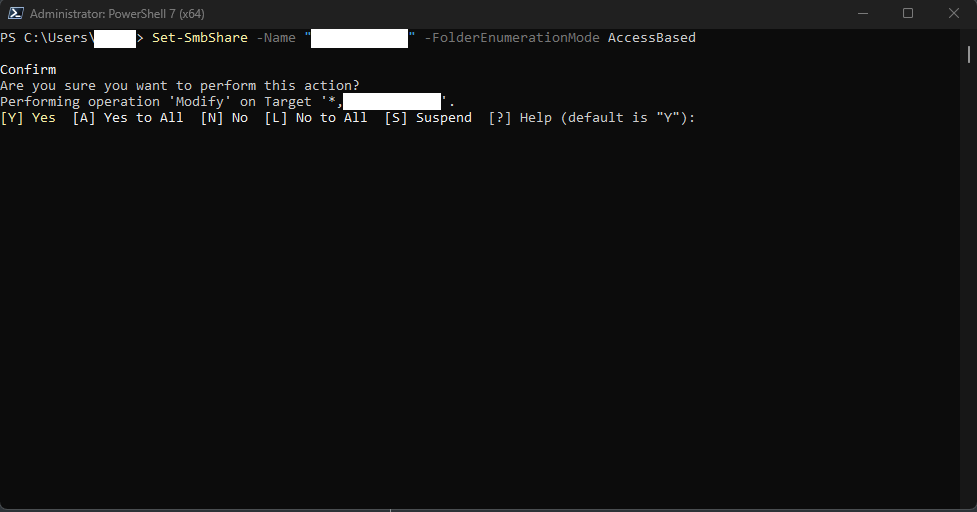

I host a network share on my Windows 11 Pro PC that my family and I can use as a NAS since I don't have a dedicated server for that yet. I thought it worth sharing that you can actually enable Access Based Enumeration if you have Pro even though it's not a Windows server. For anyone who doesn't know, ABE makes it so that your folders and files shared over the network are only visible to users who have access to them. Normally, all folders and files are visible but can only be accessed if you're given read/write permissions in the security tab under properties, but with ABE enabled, the folders and files aren't even visible!
On Windows 11 Pro, you can enable this via PowerShell/Command Prompt running as an administrator. Simply enter the following:
Set-SmbShare -Name "ShareName" -FolderEnumerationMode AccessBased
Replace "ShareName" with the name of your network share (Leaving the quotation marks). You will be asked to confirm by typing "y".