 By skyforbes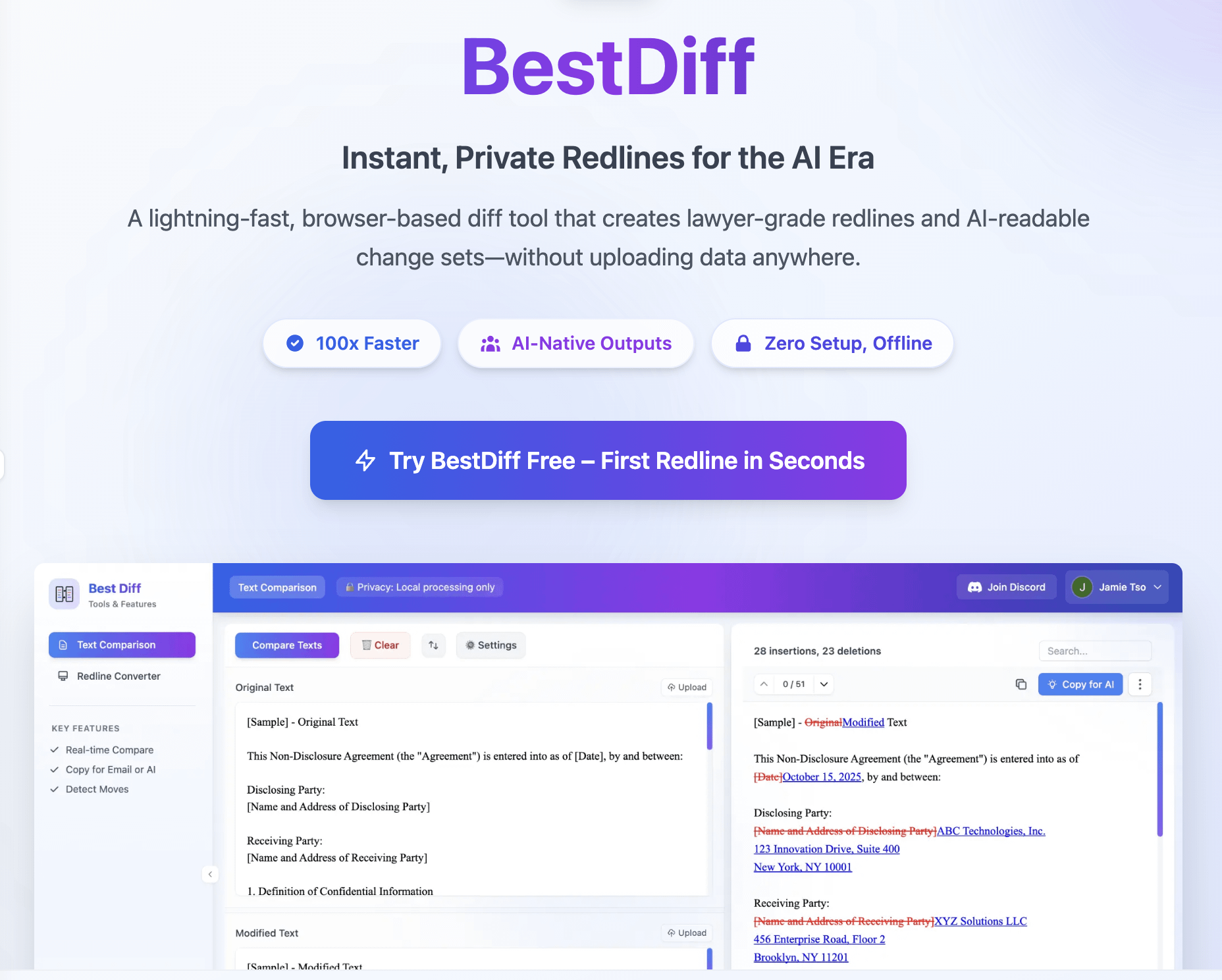

I have in my Notes folder like 10 versions of the same prompt because I keep tweaking it and saving "just in case this version was better."
Then I'm sitting there with multiple versions of the prompt and I have no idea what I actually changed between v2 and v4. Did I remove the example input/output? Did I add or delete some context?
I'd end up opening both in separate windows and eyeballing them to spot the differences.
So I built BestDiff – paste two prompts, instantly see what changed instantly.
What it does:
- Paste prompt v1 and v2 → instant visual diff in track changes style
- Catches every word, punctuation as the compare algorithm is run on a word/character level
- Detect moved text as well
- Has a "Copy for LLM" button that formats changes as {++inserted++} / {–deleted–} – paste that back into ChatGPT and ask "which version is better?"
- Works offline (100% private, nothing sent to servers)
When I actually use it:
- Testing if adding more examples/context improved the output
- Comparing "concise" vs. "detailed" versions of the same prompt
- Checking what I changed when I went back to an older version
- Seeing differences between prompts that worked vs. didn't work
Would love feedback on what would make this more useful for prompt testing workflows !