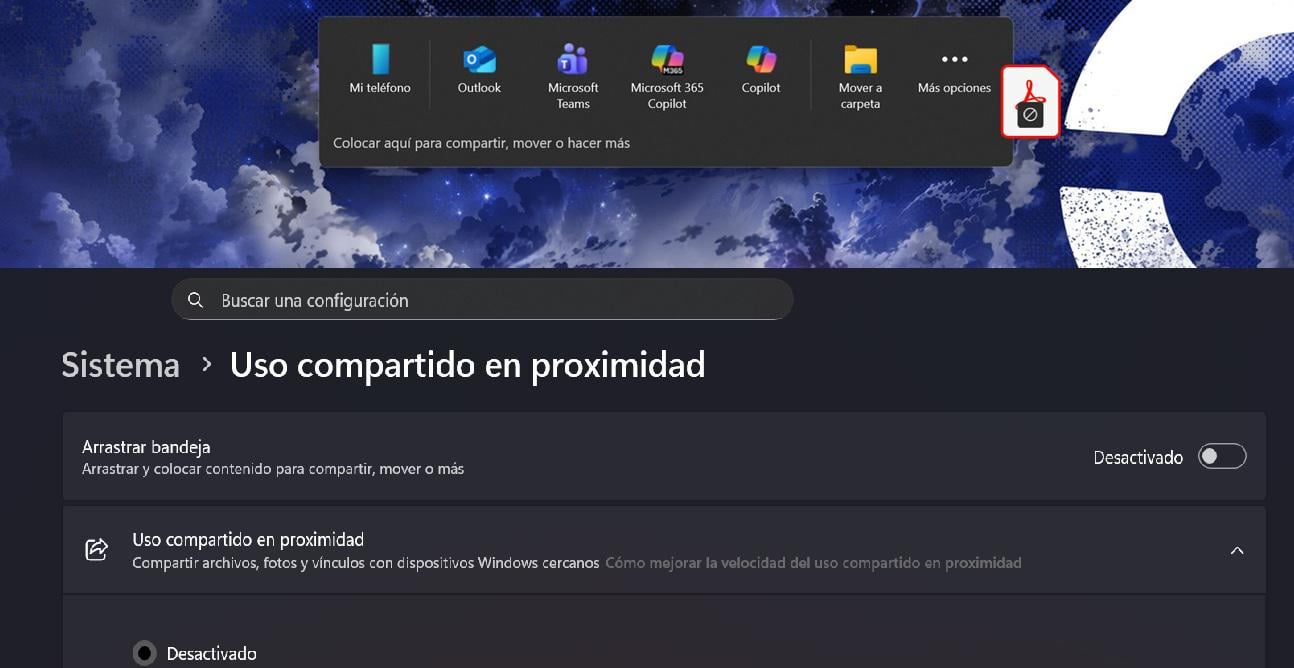

Settings > System > Nearby sharing > Disable ‘Drag Tray’
Well, today this feature just appeared for me, and as far as I’ve seen there isn’t a post that explains how to disable it, so I’m leaving this post here in case it’s useful to someone
Settings > System > Nearby sharing > Disable ‘Drag Tray’
Well, today this feature just appeared for me, and as far as I’ve seen there isn’t a post that explains how to disable it, so I’m leaving this post here in case it’s useful to someone
