 By skyforbes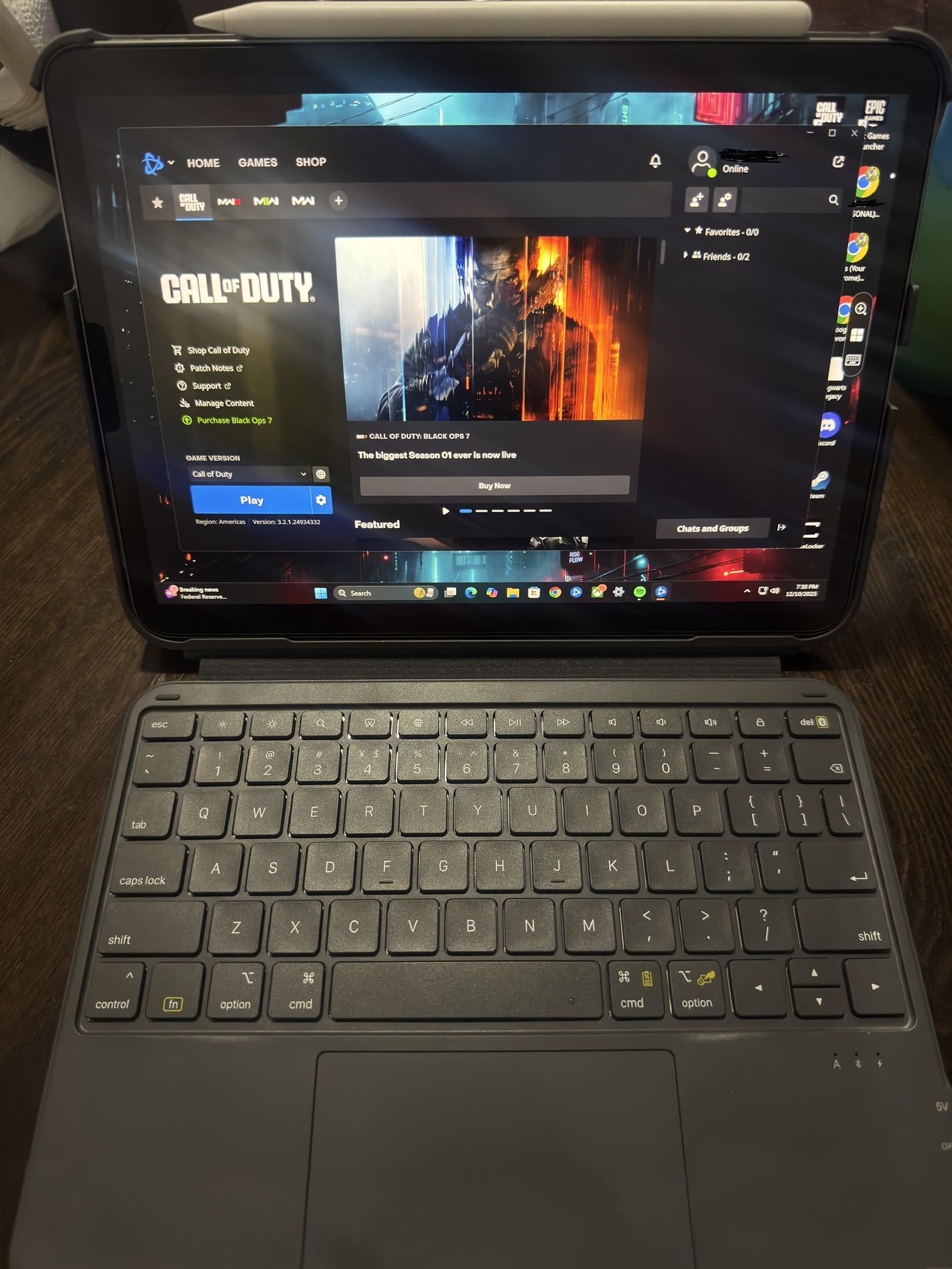

My question is mainly about gaming. Last night I tested the Remote Desktop app on my iPad using the “remote session” feature. I launched Hogwarts Legacy just to see if it would work, and it actually ran as if I was sitting in front of my PC (I didn’t play it.) After closing it, I tried launching Call of Duty: Warzone, but then realized I’d need a controller since I don’t play keyboard and mouse.
I tried connecting my Xbox controller to the iPad via Bluetooth, thinking it might pass through to the PC, but it didn’t. Is this because the controller would need to be paired directly to the PC? Or is controller input simply not supported through Remote Desktop on an iPad?
I know gaming isn’t really the intended use of Remote Desktop, but I’m sure people will try it eventually—maybe not from an iPad, but from a lower-powered laptop or device that relies on a stronger PC at home. If I’m wondering this now, I’m sure others will also think of this in the future. Maybe there might already be a solution out there.