 By skyforbes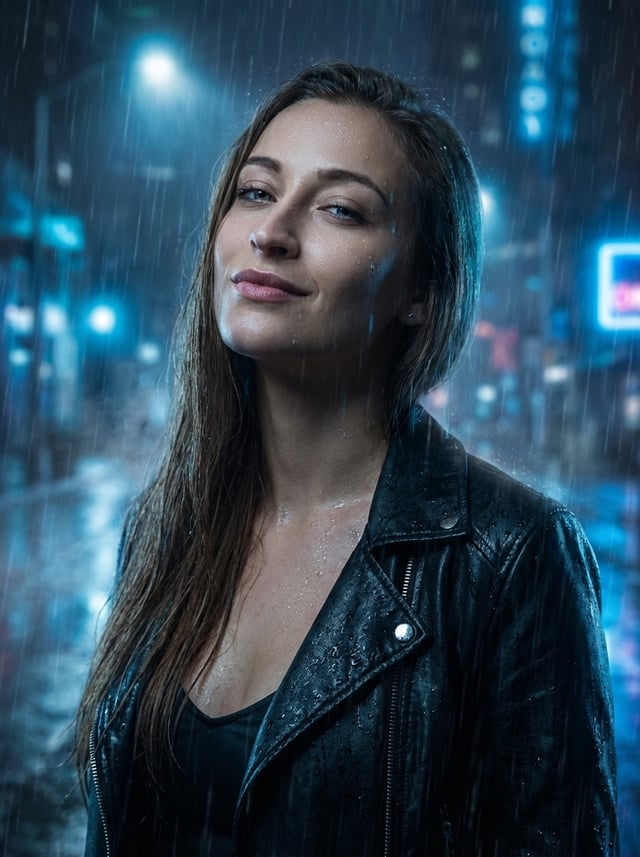

- Go to Cinematic Rain Makeover Preset
- Click "Generate"
- Change the reference image
- Hit "Edit" and get your rain effect image!
Cinematic Rain Makeover Prompt:
Edit the original image while keeping the woman’s face, identity, skin tone, hairstyle, and all character features 100% identical. Do NOT alter her facial structure or remove/add characters. Transform the scene into a dramatic night-rain portrait: adjust her expression to a subtle seductive smile with eyes half-open, tilt her head slightly, and change her pose to a confident upward-looking stance. Update clothing to a stylish wet black outfit that enhances the cinematic mood. Add rain droplets on skin and hair, cool blue lighting, misty atmosphere, moody reflections, and high-resolution photorealistic detail.
Source: https://vakpixel.com